How to configure blank group display options
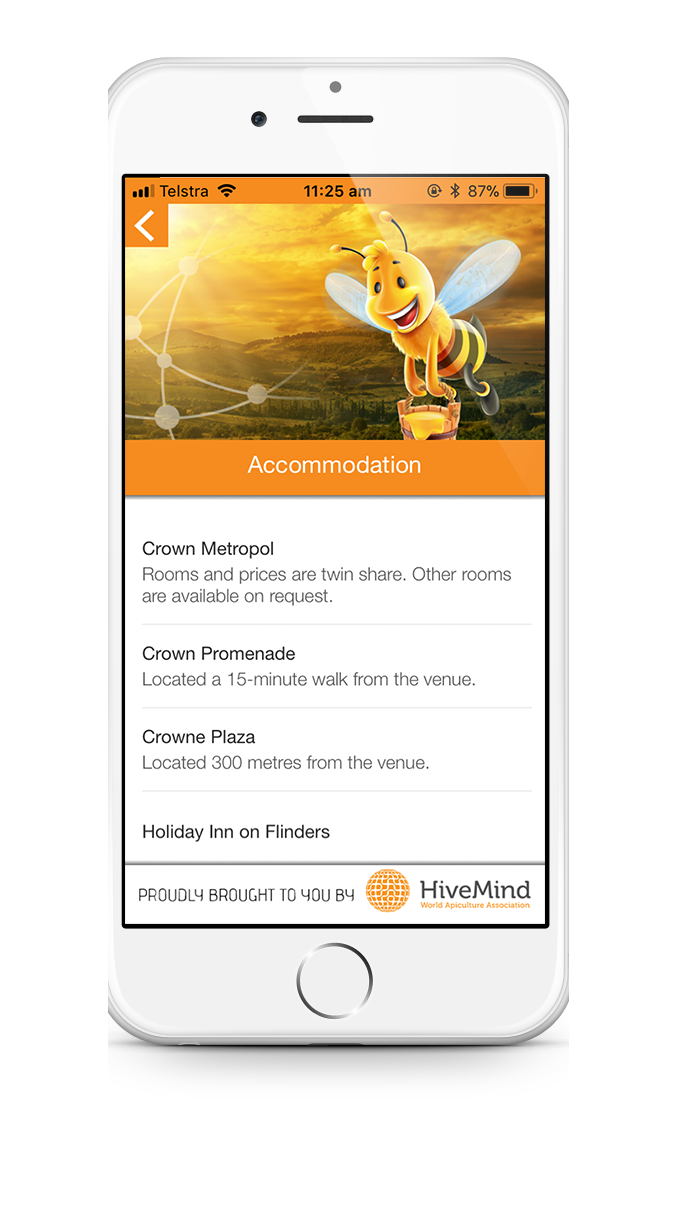
Blank groups are one of the most versatile page types. This container page of blank pages can act as a secondary menu, a list or simply a collection of pages. For example, a blank group could be used to list Attendee Information such as registration desk opening times, and parking or transport information. Alternatively, it could be used to list accommodation information.
To style a blank group
- Navigate to Content from the Navigation Menu and select the blank group
- Click the Details Tab
- Navigate to Cell Style and select a style from the drop-down (see cell styles below)
- Click Save
Each blank group page type has a cell style. This cell style controls how the blank group will appear. There are several different cell style types including:
Large Image Title Subtitle
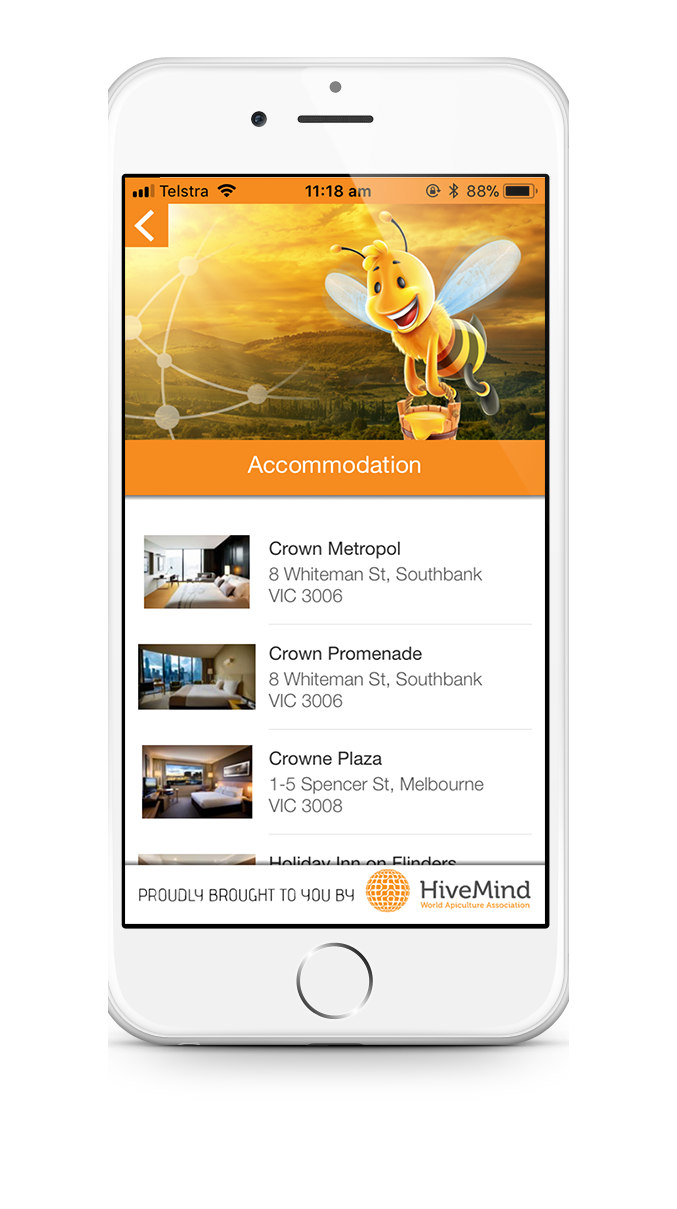
Image Title Subtitle
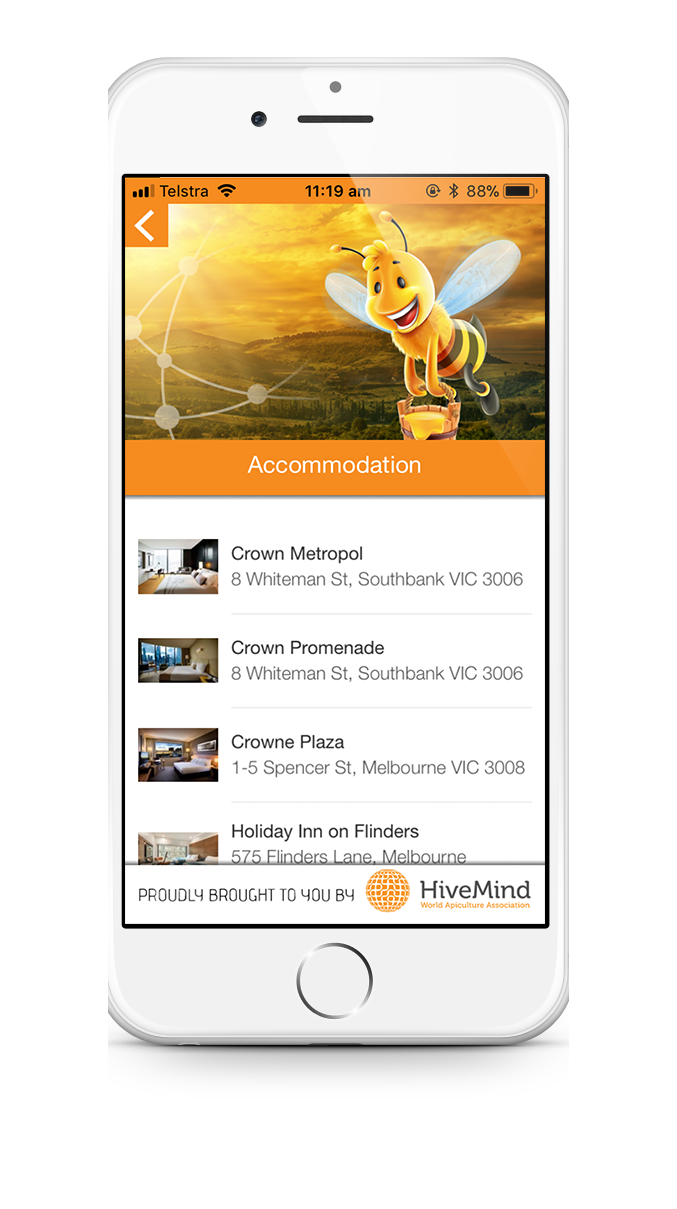
Image Title Body - up to 4 lines of body copy included
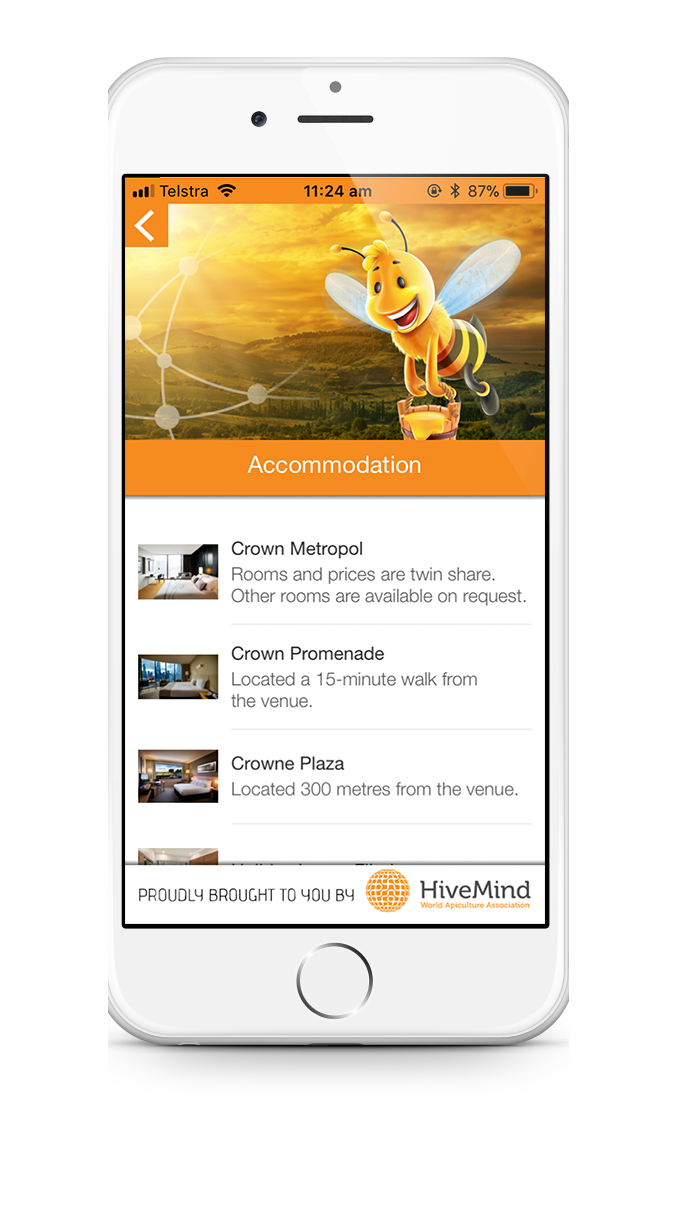
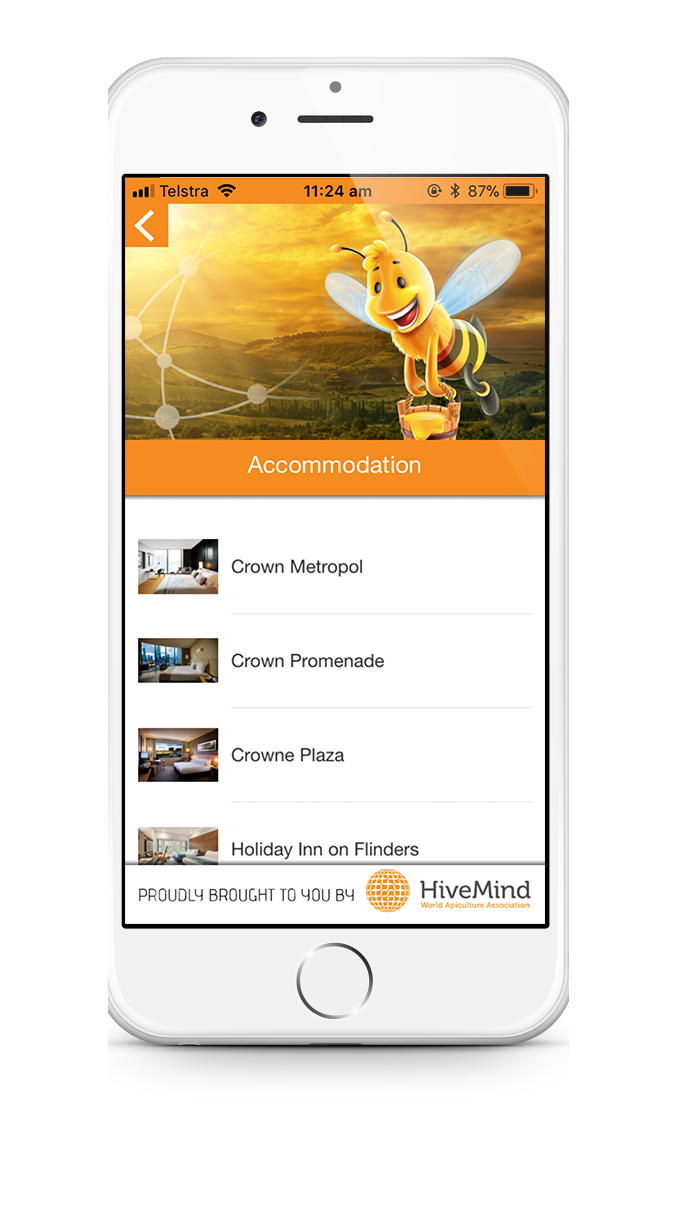
Image Title
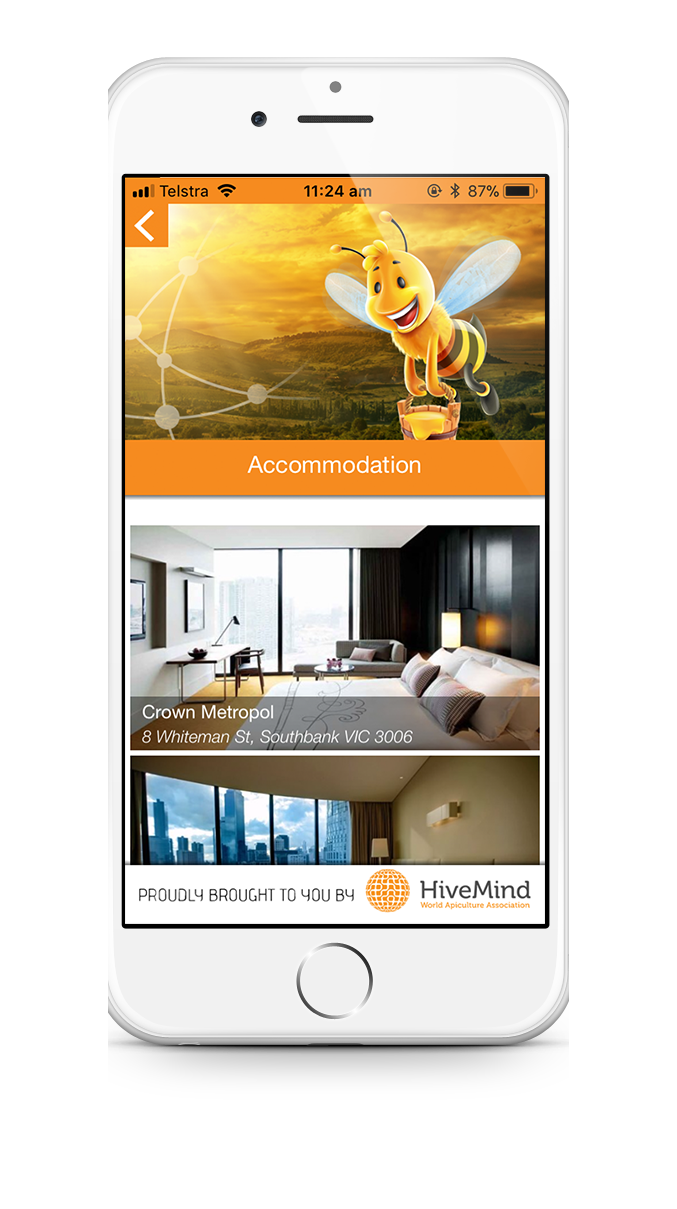
Full Image Tall Title Subtitle
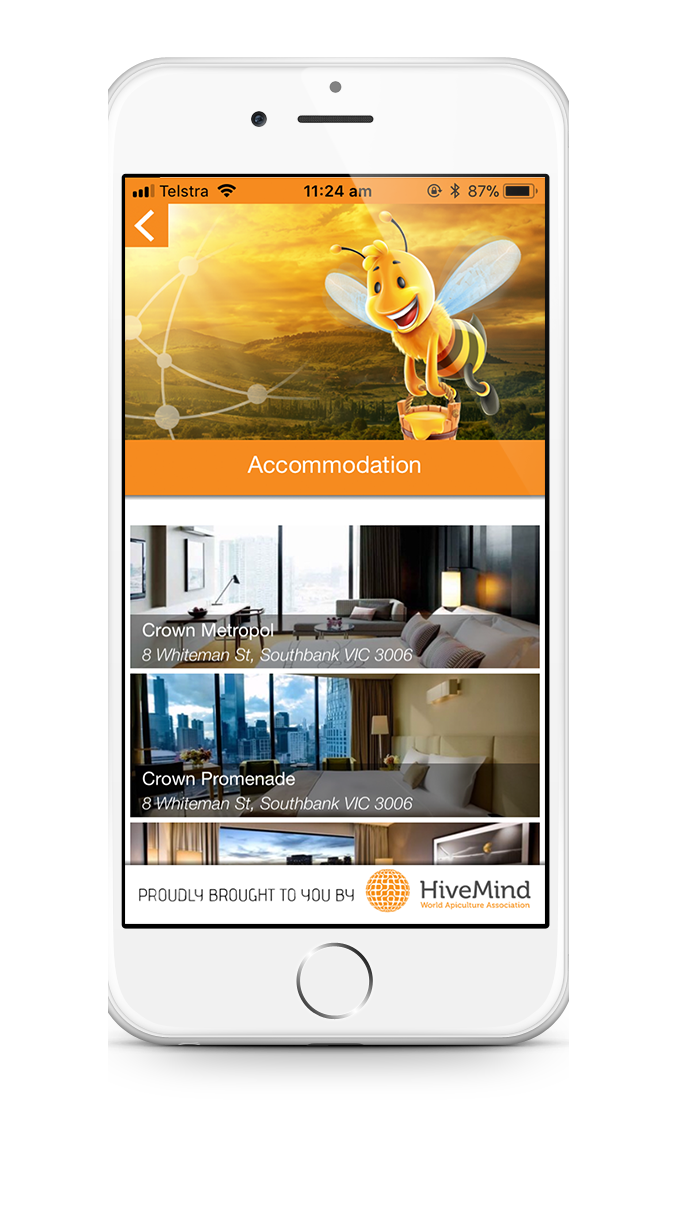
Full Image Short Title Subtitle
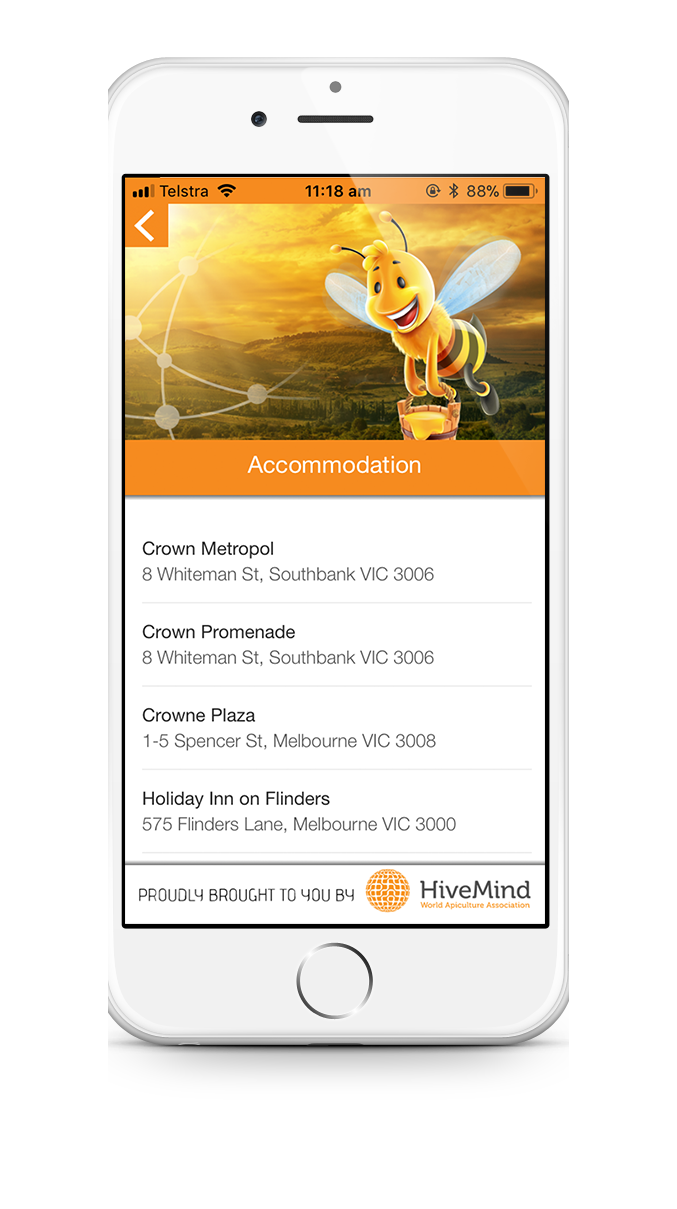
Title Subtitle
Title Body - up to 4 lines of body copy included
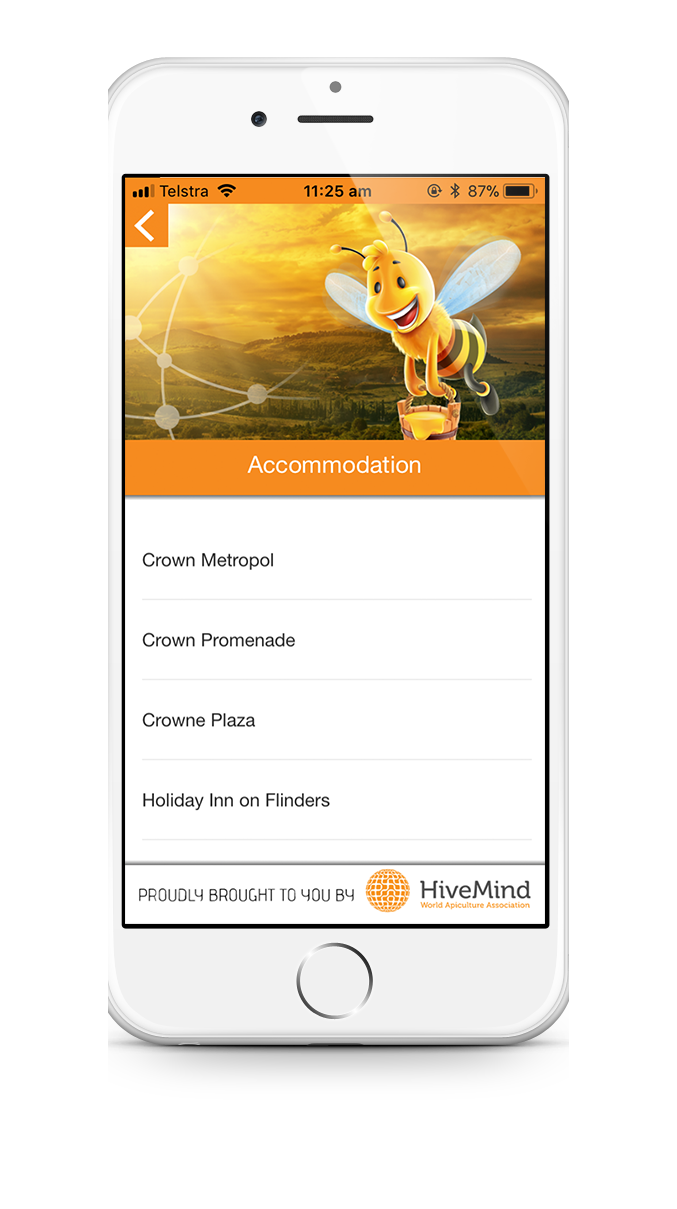
Title